
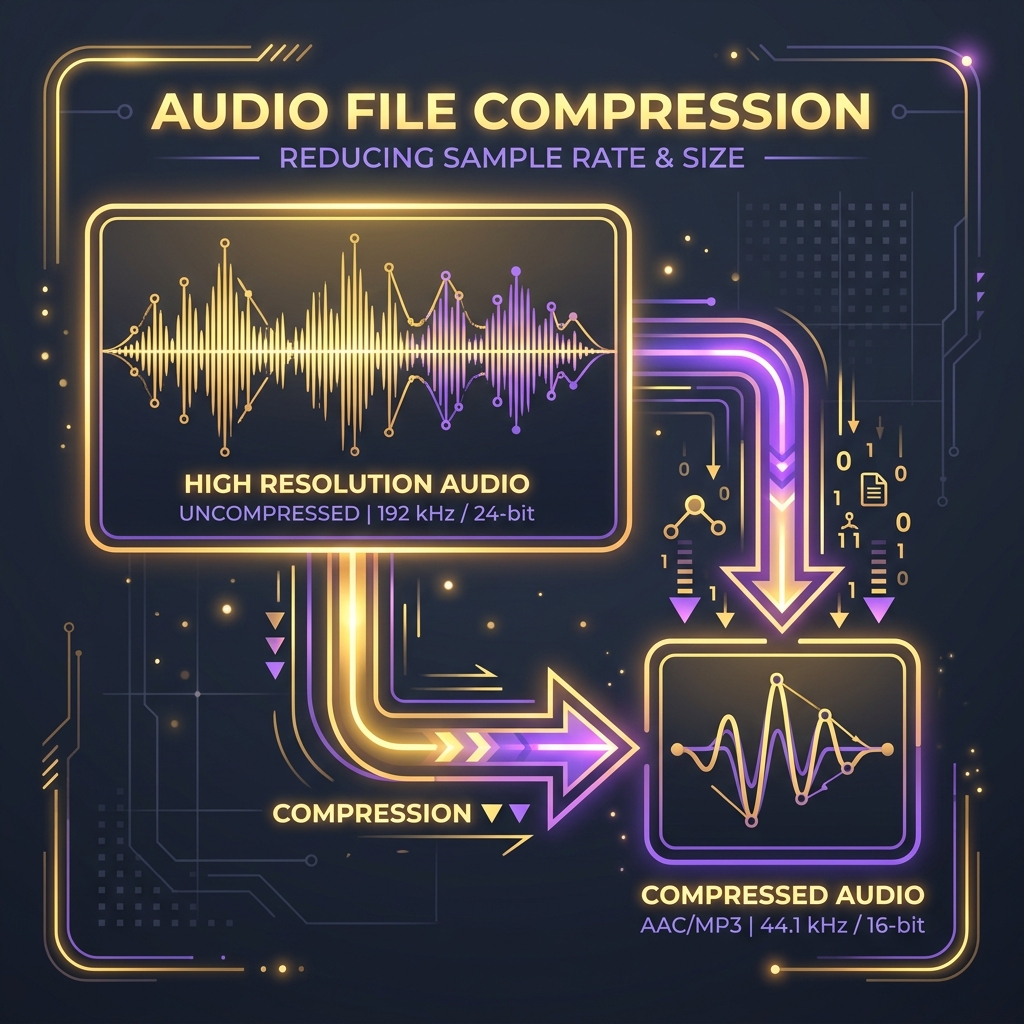
High-quality audio streams enhance web user engagement. However, audio files are often incredibly large. For podcasters, musicians, or web developers, finding the balance between crystal-clear sound and fast loading speeds is key.
In this guide, we will break down the technical components of audio structures and explain how to compress your tracks efficiently.
1. The Anatomy of Digital Audio
Analog sound waves are digitized using two primary parameters:
- Sample Rate (DPI equivalent): The number of times the sound pressure is measured per second. Standard CD-quality is 44.1 kHz (44,100 measurements per second), while professional audio goes up to 96 kHz.
- Bit Depth: The precision of each measurement. 16-bit depth is the standard for consumer files (allowing 65,536 volume increments), while 24-bit depth is standard for studio recording.
- Audio Channels: Typically Stereo (2 channels: Left/Right) or Mono (1 channel). Stereo channels divide data in half, whereas Mono represents a single combined feed.
2. Uncompressed vs. Compressed Formats
Audio formats generally fall into three categories:
Uncompressed Formats (WAV, AIFF)
These formats contain raw, uncompressed PCM audio. While they offer exceptional sound quality, file sizes are massive—about 10MB per minute of audio. They are primarily used for recording and editing, not for sharing online.
Lossless Compressed Formats (FLAC, ALAC)
These formats compress audio data similarly to a ZIP file. They reduce file sizes by roughly 50% without throwing away any audio details. While great for music archives, they are not universally supported by web browsers.
Lossy Compressed Formats (MP3, AAC, OGG)
These formats use psychoacoustic algorithms to remove sounds the human ear struggles to hear (like quiet sounds played immediately after loud ones). They reduce file sizes by up to 90%. MP3 is widely supported, while AAC offers superior compression efficiency.
3. How to Compress Audio Efficiently
To reduce audio file sizes without making them sound muddy, apply these techniques:
- Convert Stereo to Mono: If the audio is just voice (like a podcast or interview), converting from stereo to mono cuts the file size in half instantly.
- Downsample the Sample Rate: Reducing the sample rate from 44.1 kHz to 22.05 kHz or 16 kHz matches the frequency range of human speech, while cutting the size by another 50%.
- Select the Right Bitrate: For MP3/AAC files, a bitrate of 128 kbps is perfect for general web use. Go down to 64 kbps for speech-only audio, or up to 256 kbps for music tracks.
Using these tips and client-side utilities like the Compresly Audio Compressor, you can easily prepare your audio files for fast, high-quality web streaming.